Lobby and Invite Codes in RIFTSTORM
Generate and enter session codes to party up for always-online co-op—distinct from promo or redeem codes.
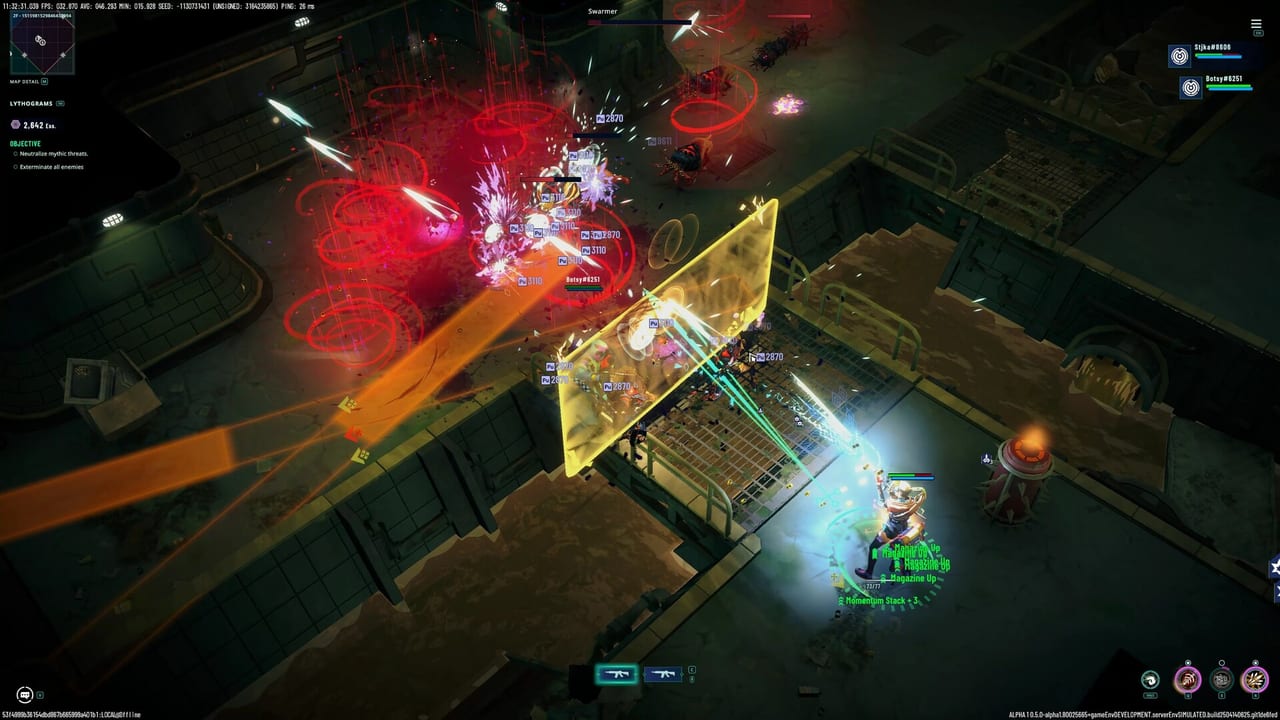
RIFTSTORM party play runs through Steam Lobby integration with an optional invite code you can copy to friends who are not sitting in your Steam friends list when you click invite. These codes are session keys—not promotional redeem strings for free skins or currency. If you need co-op tactics after everyone is connected, read How to Co-op in RIFTSTORM; this page is the operational manual for creating, sharing, and troubleshooting lobby codes ahead of the planned August 11, 2026 Steam Early Access launch.
The game supports up to three online Weavers per mission. Confiction Labs and Agate designed RIFTSTORM as always online; codes are how many Discord-first communities actually assemble squads on game night.
Create a lobby as host
Steps reflect pre-launch UI and may receive label tweaks at Early Access, but the flow is stable across Steam co-op titles:
- Launch RIFTSTORM from Steam with the account that will host.
- Navigate to Co-op, Social, or Lobby from the main menu—wording may vary in final build.
- Choose Create Lobby and set visibility:
- Friends only — Steam friends can see and join; invite codes still work for selected friends.
- Public — Random players may fill open slots; use only for community events you can voice-manage.
- Once the lobby exists, open the Invite Code panel. The game displays an alphanumeric code and often a copy button.
- Copy the code to clipboard and paste into Discord or your Codes Hub community channel—avoid retyping manually.
- Wait until both partner slots show ready icons, then proceed to mission select. Confirm Threat Level before locking in if your UI allows host-only selection.
Hosts should use wired networking when possible; host migration on disconnect is not guaranteed in Early Access builds.
Join with an invite code
- Launch RIFTSTORM on the joining account.
- Open Join Lobby or Enter Code from the co-op menu.
- Paste the host’s code exactly. If the UI is case-sensitive, capitalization errors produce generic “lobby not found” messages.
- Confirm join. You should appear in the host’s roster with your selected Weaver preview.
- Mark Ready when prompted so the host knows you loaded assets.
- Sync loadout plans—backup weapons matter for extraction-lite risk on high Threat nights.
Joiners should update Steam and RIFTSTORM before launch hour so first code attempt succeeds.
Code expiry and reuse
Invite codes are ephemeral:
- Valid while the host maintains an open lobby.
- Invalid after host disconnect, mission start that closes social UI, or explicit lobby shutdown.
- Not reusable across days—generate a fresh code each session.
If a friend says “use yesterday’s code,” decline politely and request a new one.
Steam friends list vs manual codes
Steam overlay invites work when:
- Both accounts are online and friends.
- Overlay is enabled and not blocked by fullscreen exclusive quirks.
- Neither player is stuck in a solo tutorial gate.
Codes excel when overlay fails or friends are not added on Steam yet. Many launch groups keep a dedicated #riftstorm-codes channel for paste-only joins during the first week of Early Access.
Demo co-op codes
The Steam demo (app 3212570) may expose the same lobby code flow for practice. Restrictions to expect:
- All players might need the demo installed—even if one friend owns the full Early Access SKU on launch day, version mismatch errors are common in cross-build lobbies until everyone updates.
- Demo mission list may be shorter; codes still help teach ready-check discipline.
Practice codes in demo week so August 11 night is code paste, not firewall panic.
Troubleshooting failed joins
“Lobby not found”
- Code expired or mistyped.
- Host closed lobby already—ask for regeneration.
- Copy hidden whitespace from mobile Discord; paste into notepad once to verify.
“Lobby full”
- RIFTSTORM caps at three players. Wait for a slot or rotate who sits out.
“Version mismatch”
- Update Steam files on all PCs. Host should verify game files if one joiner patches slower.
“Permission denied”
- Privacy set friends-only while joiner is not a Steam friend—host lowers privacy or sends Steam friend request first.
NAT / connectivity
- Restart Steam on both sides, try host swap to the player with most stable connection, avoid VPN unless all three use the same region.
Early Access not live yet
- Codes cannot join live missions before the planned August 11, 2026 window unless demo lobbies are open—verify you are not queuing pre-load client only.
Security reminders
Invite codes grant lobby access, not account access. Scammers sometimes post fake “free code” links in comment sections hunting logins. Official join codes come only from your host inside trusted channels. Report suspicious posts; do not download “code generators.”
After everyone joins
Codes solve logistics, not skill gaps. Before deploying:
- Agree extract timer rules from How to Extract.
- Note whether tonight is farm or progression Threat.
- Assign who calls Rift Exposure migrations on the map.
Return to the Codes Hub if you need the promo-vs-lobby distinction again for new squadmates who google “RIFTSTORM codes” and expect free loot.
Lobby codes are simple technology: host creates, paste shares, two friends join, three Weavers deploy. Reliability comes from fresh codes, updated clients, and a host who reads Threat aloud before the countdown hits zero.
Frequently Asked Questions
Quick answers to the most common RIFTSTORM questions.
Are lobby invite codes the same as promo codes?
No. Lobby codes join a host's co-op session. Promo redeem codes for free items are not covered here—see the Codes Hub distinction.
How do I generate a RIFTSTORM lobby code?
Create a lobby from the co-op menu while hosting; the UI displays an invite code you can copy and share with up to two friends.
Why does my invite code say lobby not found?
Usually expiry, a typo, or a closed host lobby. Ask the host for a fresh code and paste instead of retyping.
Can more than three players use one code?
No. Sessions cap at three Weavers. Extra friends need a separate lobby rotation or wait for a slot.
Do I need codes if Steam friends invites work?
No—codes are optional when overlay invites succeed. Keep them as backup per How to Co-op best practices.
Will lobby codes work before Early Access launch?
Demo lobbies may work for practice before the planned August 11, 2026 date if the demo client is live; full Early Access requires the released build.